Goatskin Brush Font
Designed by Måns Grebäck
Free Display FontsFree Brush FontsFree Script Fonts #brush lettering#brush script#display typography#expressive#goatskin brush#latin extended#rough#ttf
Preview
Bold Brush Lettering
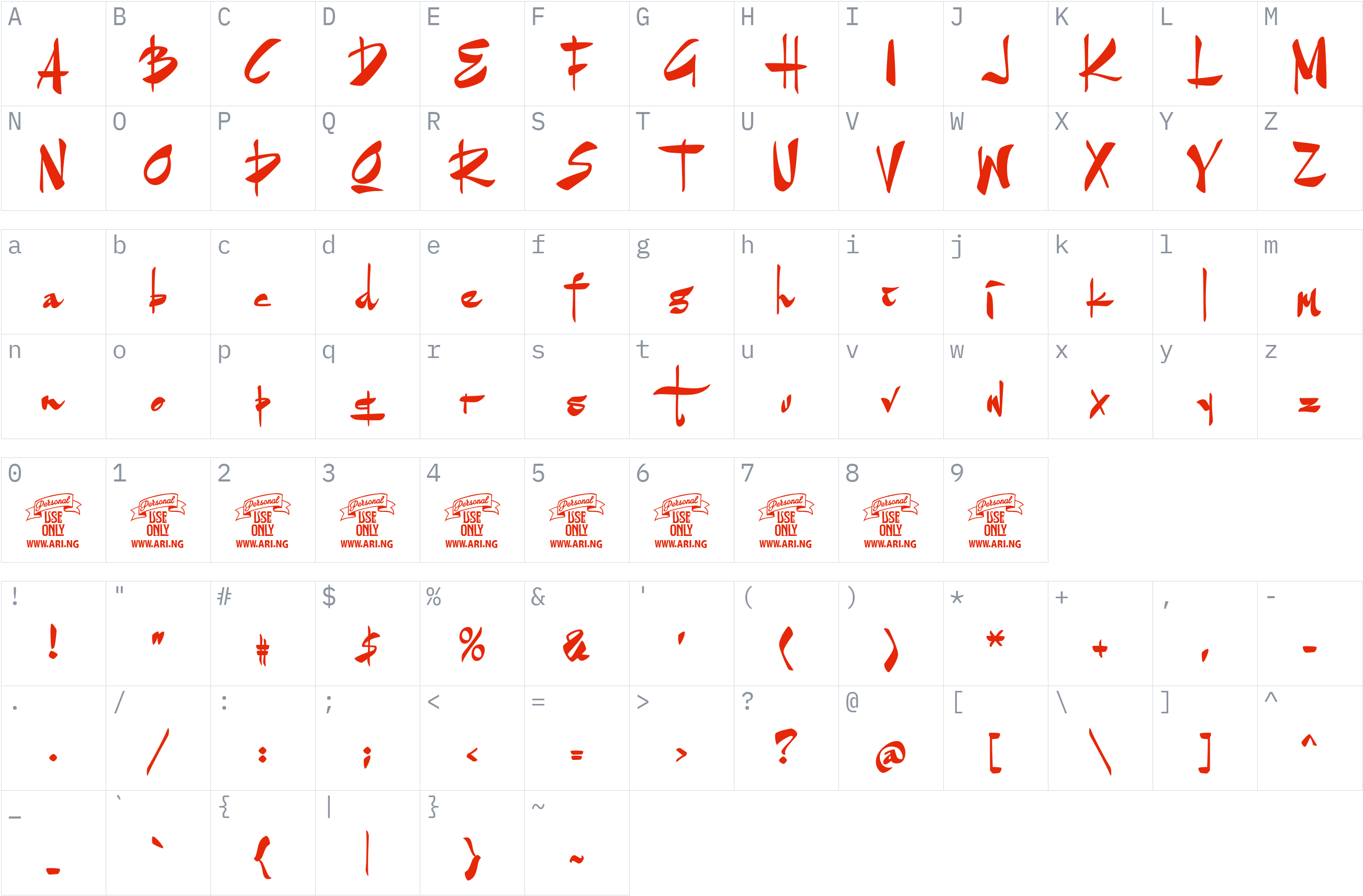
Character set
Styles and files
-
Regular
Weight 400 TTF164.8 KBBold Brush Lettering
About Goatskin Brush
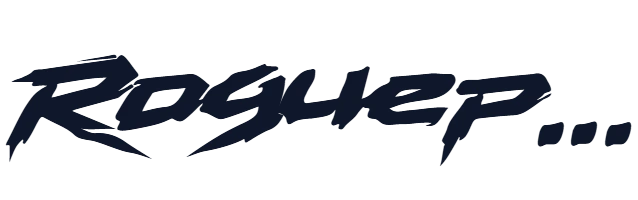
Goatskin Brush is a brush script font by Måns Grebäck, featuring contrasting strokes and an irregular, hand-painted appearance. Its expressive letterforms create a raw, energetic look that helps short text stand out in display typography.
The font suits poster headlines, decorative lettering, music artwork, apparel graphics, and creative branding concepts. Its strong brush character can add movement and texture to titles, wordmarks, and other designs where a polished, conventional typeface may feel too restrained.
This release contains the Regular style at weight 400 in TrueType (TTF) format. The supplied font data identifies Latin and Latin Extended character coverage, making it suitable for supported text using these character sets.
The available personal-use version is subject to the designer's usage restrictions. The designer states that unlicensed copies must not be shared or uploaded online and that commercial use requires a separate license. Verify the applicable terms and obtain the necessary permission before using or distributing the font.
License
Personal use only: a commercial license is needed for business work
Free Personal Use
Free for personal, non-commercial projects.
The personal-use version is subject to the designer's usage restrictions and is not licensed for commercial use. Review the license terms before using this font; do not redistribute the font file without permission.
Copyright notice
Copyright (c) 2015 by MÂns Greb‰ck. All rights reserved.
This is a summary, not legal advice. Always read the full license before using a font commercially. See the font licensing guide.
How to install Goatskin Brush
- Download the font.
- Windows: right-click the
.ttfor.otffile and choose Install. macOS: double-click the file and choose Install Font. - Restart your design or office program, then pick Goatskin Brush from the font list.
Need more detail? Read the full installation guide.
More fonts by Måns Grebäck
Fonts that pair well with Goatskin Brush
Good design mixes two or three fonts. These are picked from a different style (a clean sans next to a script, a serif next to a sans) so they stay easy to tell apart and cover the same language.




Similar fonts



More Free Display Fonts
Your Goatskin Brush download has started
Check your Downloads folder. How to install it.