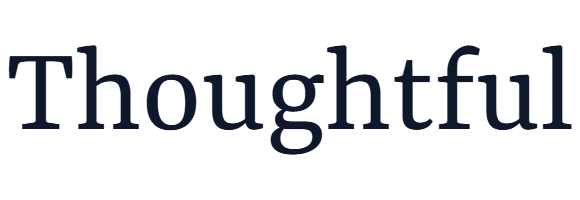
Dalahara Font
Designed by Rautan · Foundry: Rautan
Free Display FontsFree Decorative FontsFree Horror Fonts #dalahara#decorative#display#folk#halloween#horror#poster#spooky
Preview
Spooky Folk Halloween
Character set
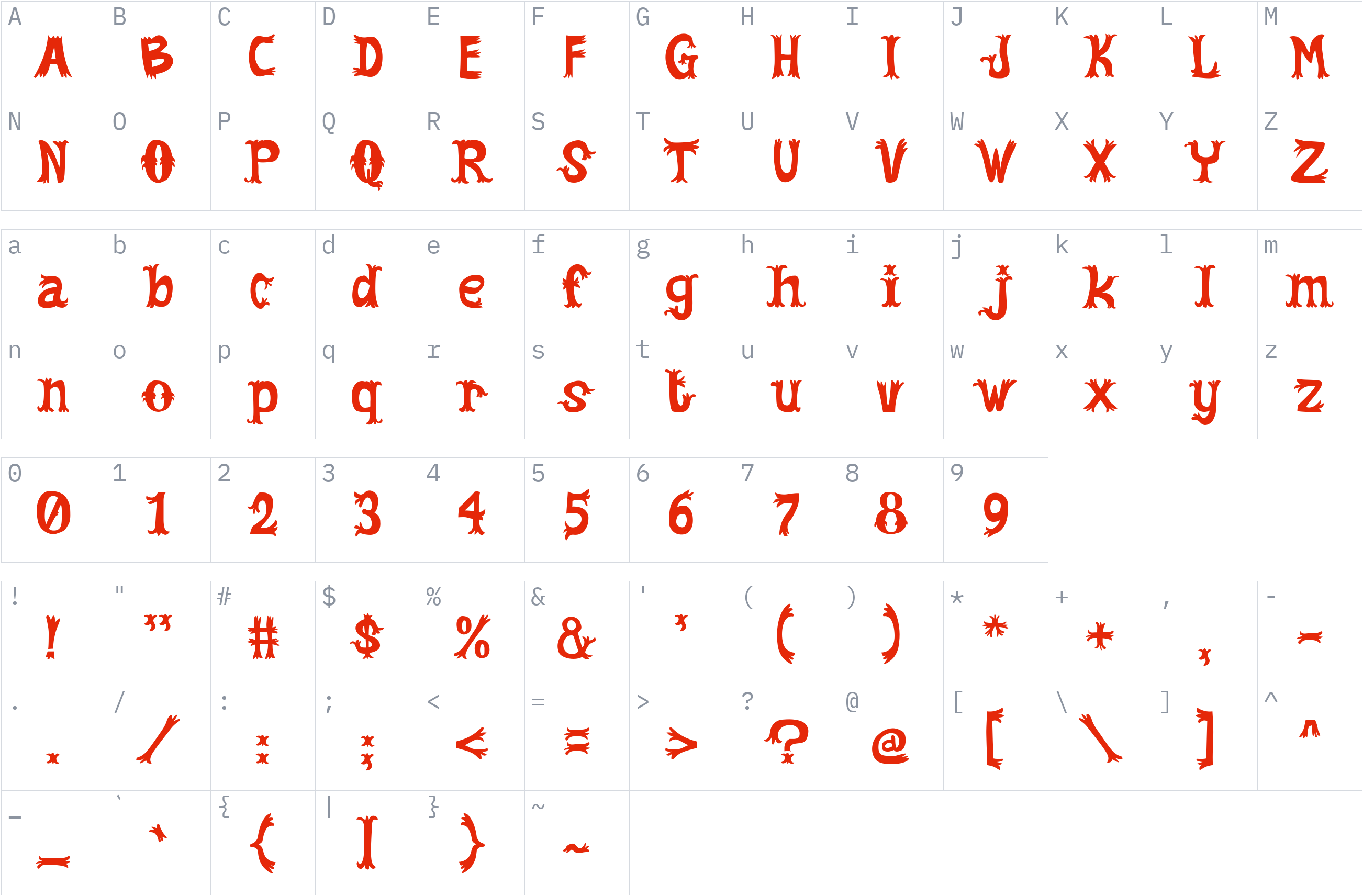
Styles and files
-
Regular
Weight 400 TTF101.4 KBSpooky Folk Halloween
About Dalahara
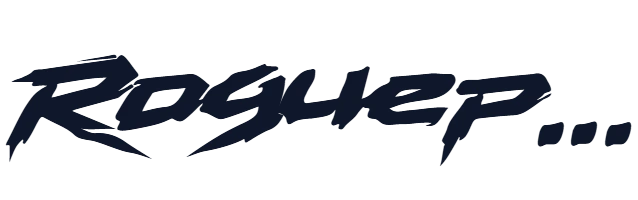
Dalahara is a decorative display font by Rautan, featuring irregular letterforms, pointed details, and a playful folk-inspired appearance. Its spooky character makes it suitable for designs that need distinctive lettering and a festive atmosphere.
Use this typeface for Halloween invitations, horror-themed posters, seasonal artwork, children's event graphics, greeting cards, and creative branding. It also suits themed packaging, festival promotions, and decorative headlines where expressive lettering helps establish a visual mood. For longer passages, consider pairing it with a simpler typeface to keep the overall design readable.
The supplied release contains one Regular style in TrueType (TTF) format. The designer's product page describes a broader commercial package with additional formats and multilingual support, but those features should not be assumed to be included in this particular file. Check the applicable license terms before redistributing the font or using it in a project.
License
Personal use only: a commercial license is needed for business work
Free Personal Use
Free for personal, non-commercial projects.
Check the license before using this font. Confirm the author's terms and keep the applicable license text with the font.
Copyright notice
RAUTAN
This is a summary, not legal advice. Always read the full license before using a font commercially. See the font licensing guide.
How to install Dalahara
- Download the font.
- Windows: right-click the
.ttfor.otffile and choose Install. macOS: double-click the file and choose Install Font. - Restart your design or office program, then pick Dalahara from the font list.
Need more detail? Read the full installation guide.
Fonts that pair well with Dalahara
Good design mixes two or three fonts. These are picked from a different style (a clean sans next to a script, a serif next to a sans) so they stay easy to tell apart and cover the same language.




Similar fonts





ArabicKufiSSK
by Southern Software, Inc. · Free Display Fonts
6 styles TTFWOFF2 See license 2 downloads
More Free Display Fonts
Your Dalahara download has started
Check your Downloads folder. How to install it.