Old English font generator: copy and paste blackletter text
Old English lettering, also called blackletter or gothic script, is the heavy, sharp-edged style of medieval manuscripts, old newspaper mastheads and the lettering you see on tattoos, beer labels, hoodies and album covers. It looks serious, historic and a little rebellious, which is why people keep searching for a way to use it in a bio, a username display name or a caption.
This Old English font generator does that in a few seconds. Type your words in the box above and every style updates at once. Press Copy beside the one you like and paste it into Instagram, TikTok, Discord, WhatsApp, X, a game profile or a document. If you want a real picture instead of text, switch to the PNG tab.
Two tools in one page
1. Copy and paste text
The text styles use the Fraktur alphabets that are part of Unicode, the worldwide standard that holds every letter and symbol on your phone. Fraktur is the German blackletter style, and it is what most people mean when they say "Old English letters". Because it is ordinary text, it can be pasted almost anywhere and it keeps its look.
2. PNG picture with your own colour
Text pasted into an app takes whatever colour that app gives it, and you cannot change it. For that reason the second tab draws your words as a picture with a real blackletter font. You pick the colour from presets or type any hex code or custom colour, choose a background colour or no background at all, and download a PNG. A transparent PNG is ideal for putting your text on top of a photo, a T-shirt mock-up, a tattoo sketch or a video thumbnail.
How to use it
- Type your text. A name, a city, or a short phrase works best.
- Choose a group of styles: Simple, Cursive, Gangster, Tattoo or Instagram.
- Press Copy and paste it where you need it.
- For a picture, open PNG picture, pick a font and a colour, tick No background if you want it transparent, and press Download PNG.
The five style groups
Simple
Clean Old English and bold Old English with no decoration. The bold version is easier to read on a phone, so start there if you are unsure.
Cursive
People often search for "Old English cursive". Strictly, blackletter and cursive are different families, so this group offers a bold script alphabet, which is the closest flowing, handwritten look that exists in plain text, along with flourishes.
Gangster
Heavy bold Old English with skulls, crowns, crossed swords and strong bars. This is the lettering style seen on Chicano and street-culture art. The symbols are only decoration; use them as you like.
Tattoo
Names and phrases with ornaments such as fleur-de-lis, floral hearts and banner lines, in the way a tattoo artist might lay out a name. The generator is a source of ideas, not a stencil: a real tattoo needs a proper design drawn for your skin, so use the PNG tab and bring the picture to your artist as a starting point.
Softer frames with hearts, sparkles, moons and butterflies that suit a display name, a bio or a caption.
Is this a real Old English font?
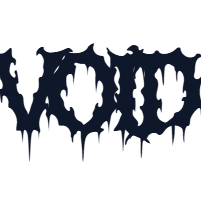
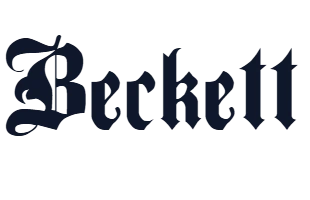
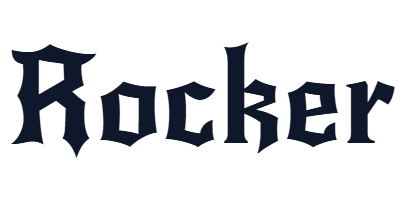
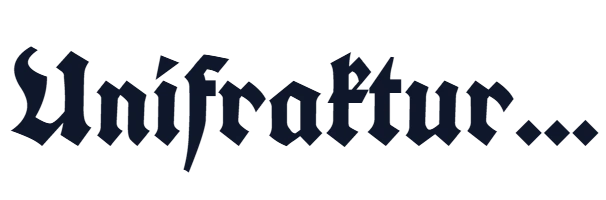
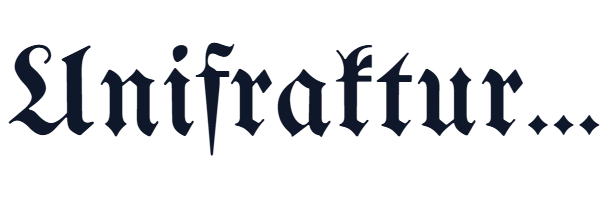
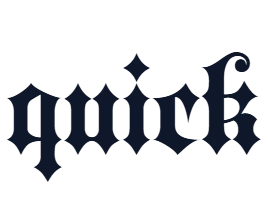
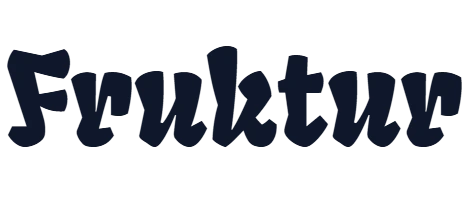
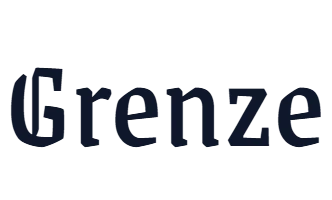
The copy and paste styles are Unicode characters, not a font file, so you cannot install them in a design program and the exact shapes depend a little on each phone. The PNG tab uses real font files, which gives you sharper letters and complete control over size and colour. If you want to install a blackletter font on your own computer, see the free fonts below, each with a live preview, a license and a download button.
Where Old English text looks good
- Tattoo ideas: names, dates, city names and short mottos.
- Social media: bios, display names, captions and highlight titles.
- Streetwear and merch mock-ups: a transparent PNG over a shirt or hoodie picture.
- Gaming and Discord: clan names, server titles and profile names where special characters are allowed.
- Posters, cards and thumbnails: a bold blackletter headline in your own colour.
- Craft and wedding pieces: pub-style signs, certificates and invitations with a traditional feel.
Tips for better results
Capitals are the hardest part
Blackletter capital letters are very decorative and sometimes hard to recognise. If a name is difficult to read, write it in lower case or mix in a simpler first letter. Always show your result to a friend: if they can read it at once, it works.
Keep it short
A long sentence in blackletter tires the eye. Use it for a name, a title or a few words, and keep the rest plain.
Do not use it for details people must read
Screen readers and search do not understand styled characters, so keep links, phone numbers and prices in plain text.
Pick a colour with strong contrast
Black on white and white on black are the classic combinations. Dark red, gold and silver also suit the style. Avoid pale colours on pale backgrounds, because thin strokes of blackletter disappear.
Check the license for commercial use
If you will print a picture on products you sell, check the license of the font you used. A link to the font page is shown under the font menu.
Frequently asked questions
Is this Old English font generator free?
Yes. It is free, has no sign-up and no limit, and adds no watermark. Everything runs in your browser, so the text you type is never sent to our server.
How do I copy and paste Old English text?
Type your text, press Copy next to a style, then paste it into Instagram, TikTok, Discord, WhatsApp or any other app. On a phone, press and hold in the text field and choose Paste.
Can I change the colour of the text?
Pasted text takes the colour of the app, so it cannot be changed. Open the PNG picture tab instead: pick a preset colour or any custom colour or hex code, and download the picture.
Can I download Old English text as a PNG with a transparent background?
Yes. In the PNG picture tab tick No background and press Download PNG. The file keeps the transparent background, so you can place it over a photo, a shirt mock-up or a video thumbnail.
Is this a font I can install?
No. The copy and paste styles are Unicode characters, not a font file. The PNG tab uses real blackletter fonts, and the fonts listed at the bottom of this page can be downloaded and installed.
What is the best Old English style for a tattoo?
Bold Old English is the easiest to read and ages well on skin. Try the Tattoo group for layouts with ornaments, then use the PNG tab to save a picture to show your tattoo artist. A real tattoo needs a proper stencil drawn by the artist, so treat the result as an idea.
What is the difference between Old English, blackletter and Gothic?
In everyday use they mean the same dark, sharp medieval lettering. Blackletter is the formal name. "Gothic" here does not mean the modern sans-serif Gothic fonts. Fraktur is one kind of blackletter and is the style used by the copy and paste alphabets.
Is there an Old English cursive font generator?
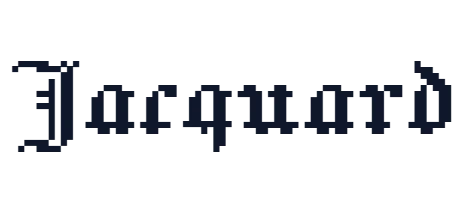
Blackletter itself is not cursive, but a flowing look is close. The Cursive group uses a bold script alphabet and flourishes, and some fonts in the PNG tab, such as Jacquard and Texturina, have a more calligraphic feel.
Will Old English text work in Instagram, TikTok and Discord?
Yes in bios, names, captions and comments. Usernames usually accept only plain letters and numbers. Each phone draws the characters with its own fonts, so check the result on a phone after pasting.
Why do some letters look odd or empty?
A few older devices miss some characters and show an empty box. Choose another style, or use the PNG tab, which always looks the same because it is a picture.
Is it okay to use the picture on products I sell?
Check the license of the font shown under the font menu in the PNG tab. Many are free for commercial use, but not all. Text you only paste as Unicode characters has no font license.