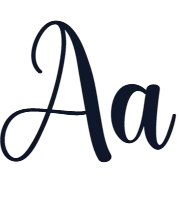
ZCOOL QingKe HuangYou Font
Designed by Zheng Qingke
Free Sans Serif Fonts #headings#latin#posters#regular#sans serif#ttf#typography#woff2
Preview
Make every word count
Character set
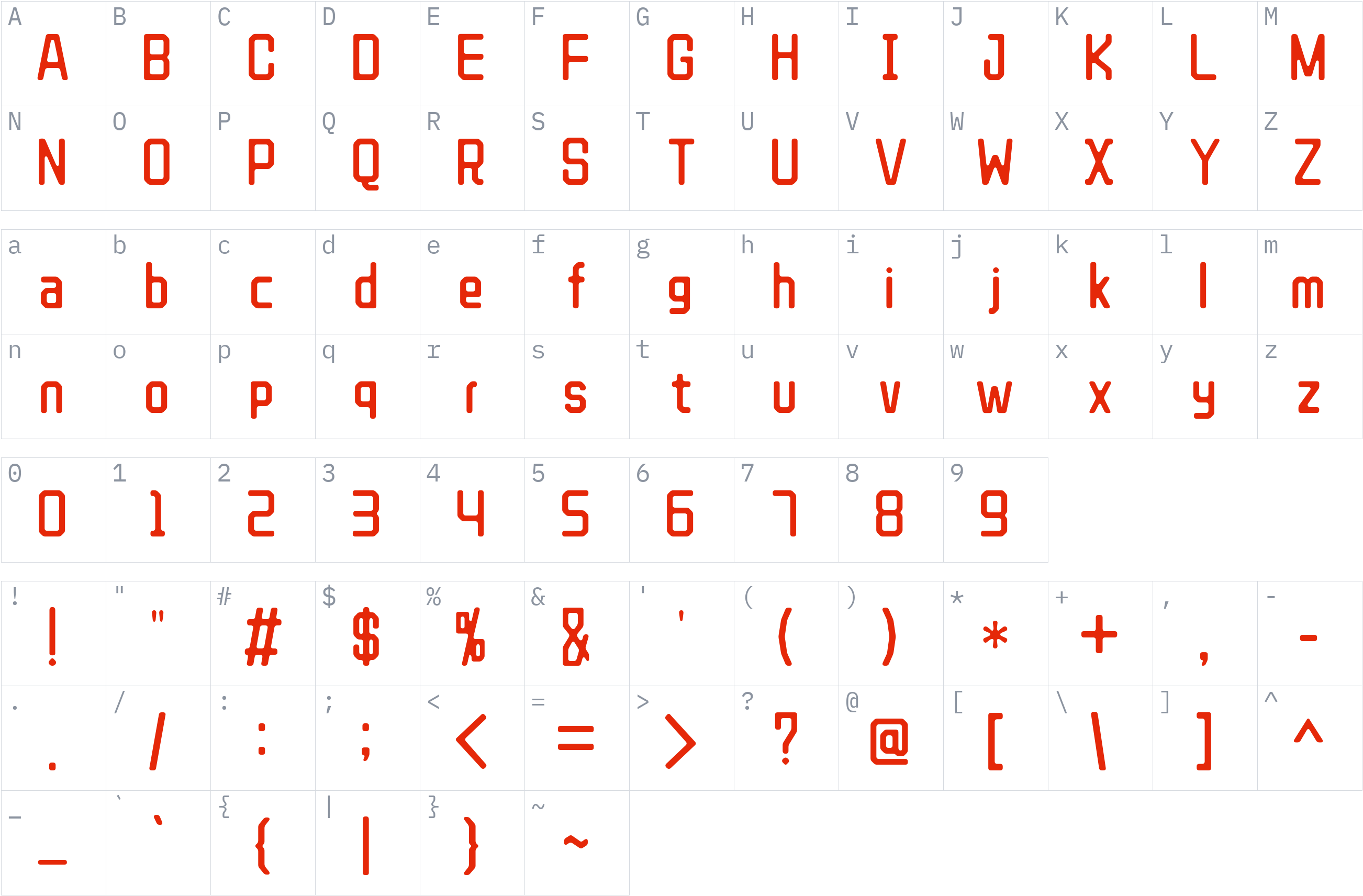
Styles and files
-
Regular
Weight 400 TTF7.94 MBMake every word count
-
Regular
Weight 400 WOFF22.35 MBMake every word count
About ZCOOL QingKe HuangYou
ZCOOL QingKe HuangYou is a sans-serif typeface designed by Zheng Qingke. Sans-serif fonts use letterforms without decorative strokes at their ends and are commonly used in digital interfaces, headings, posters, and printed materials. This category provides a versatile option for projects that need straightforward typography across different layouts.
The family includes one style: Regular (weight 400). This single-weight release offers a simple choice for designs that do not require several font variations. It supports the Latin script, making it suitable for English and other text written with Latin characters.
ZCOOL QingKe HuangYou is available in TTF and WOFF2 formats, supporting desktop font installation and web design workflows. The typeface is licensed under the SIL Open Font License 1.1, which permits commercial use subject to its terms. Preview your own text to assess its appearance before choosing a format for your project.
License
Commercial use allowed under SIL Open Font License 1.1
SIL Open Font License 1.1 · Official license text
Free to use, including commercially, study, modify and redistribute. The fonts may not be sold on their own and reserved font names must not be reused for modified versions.
ZCOOL QingKe HuangYou is licensed under the SIL Open Font License 1.1, which permits commercial use subject to its terms. Review the license conditions before using or redistributing the font.
Read the original license file (OFL.txt)
Copyright notice
Copyright 2018 The ZCOOL QingKe HuangYou Project Authors (https://www.github.com/googlefonts/zcool-qingke-huangyou)
This is a summary, not legal advice. Always read the full license before using a font commercially. See the font licensing guide.
Use ZCOOL QingKe HuangYou on your website
Copy the CSS below. Option B needs the font files uploaded to a fonts/ folder on your own server first.
Option A: use the font directly from Fonts1 (no upload needed)
@font-face {
  font-family: 'ZCOOL QingKe HuangYou';
  src: url('https://files.fonts1.com/fonts1/fonts/3099/e3944f2b10-zcoolqingkehuangyou-regular.woff2') format('woff2');
  font-weight: 400;
  font-style: normal;
  font-display: swap;
}
Quickest way to try it. For a busy production site, Option B (your own server) is more reliable.
Option B: self-host (download, then upload to your server)
@font-face {
  font-family: 'ZCOOL QingKe HuangYou';
  src: url('fonts/ZCOOLQingKeHuangYou-Regular.woff2') format('woff2');
  font-weight: 400;
  font-style: normal;
  font-display: swap;
}
2. Apply it
body {
  font-family: 'ZCOOL QingKe HuangYou', sans-serif;
}
How to install ZCOOL QingKe HuangYou
- Download the font family (ZIP) and extract it.
- Windows: right-click the
.ttfor.otffile and choose Install. macOS: double-click the file and choose Install Font. - Restart your design or office program, then pick ZCOOL QingKe HuangYou from the font list.
Need more detail? Read the full installation guide.
Fonts that pair well with ZCOOL QingKe HuangYou
Good design mixes two or three fonts. These are picked from a different style (a clean sans next to a script, a serif next to a sans) so they stay easy to tell apart and cover the same language.
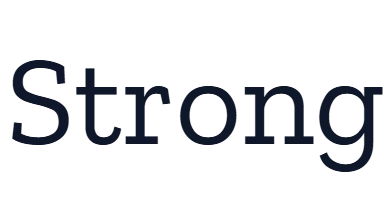

Yrsa
by Rosetta, Anna Giedryś, David Březina · Free Serif Fonts
4 styles TTFWOFF2 Commercial use OK 5 downloads


Similar fonts


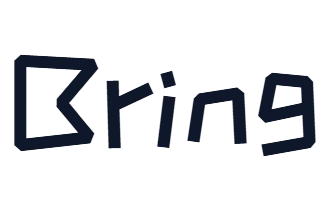
ZCOOL KuaiLe
by Liu Bingke, Yang Kang, Wu Shaojie · Free Sans Serif Fonts
2 styles TTFWOFF2 Commercial use OK



More Free Sans Serif Fonts
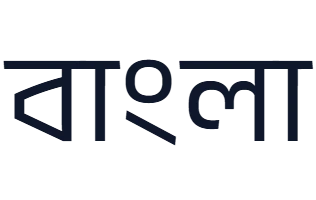

Poppins
by Indian Type Foundry, Jonny Pinhorn, Ninad Kale · Free Sans Serif Fonts
18 styles TTF Commercial use OK 3 downloads
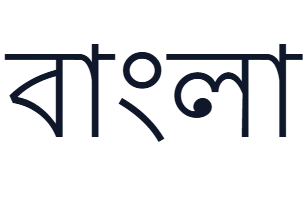
Lohit Bengali
by Multiple Designers · Free Sans Serif Fonts
2 styles TTFWOFF2 Commercial use OK 3 downloads

Mina
by Suman Bhandary, Natanael Gama, Mooniak · Free Sans Serif Fonts
4 styles WOFF2TTF Commercial use OK 3 downloads
Your ZCOOL QingKe HuangYou download has started
Check your Downloads folder. How to install it.