Inknut Antiqua Font
Designed by Claus Eggers Sørensen
Preview
The quick brown fox jumps over the lazy dog
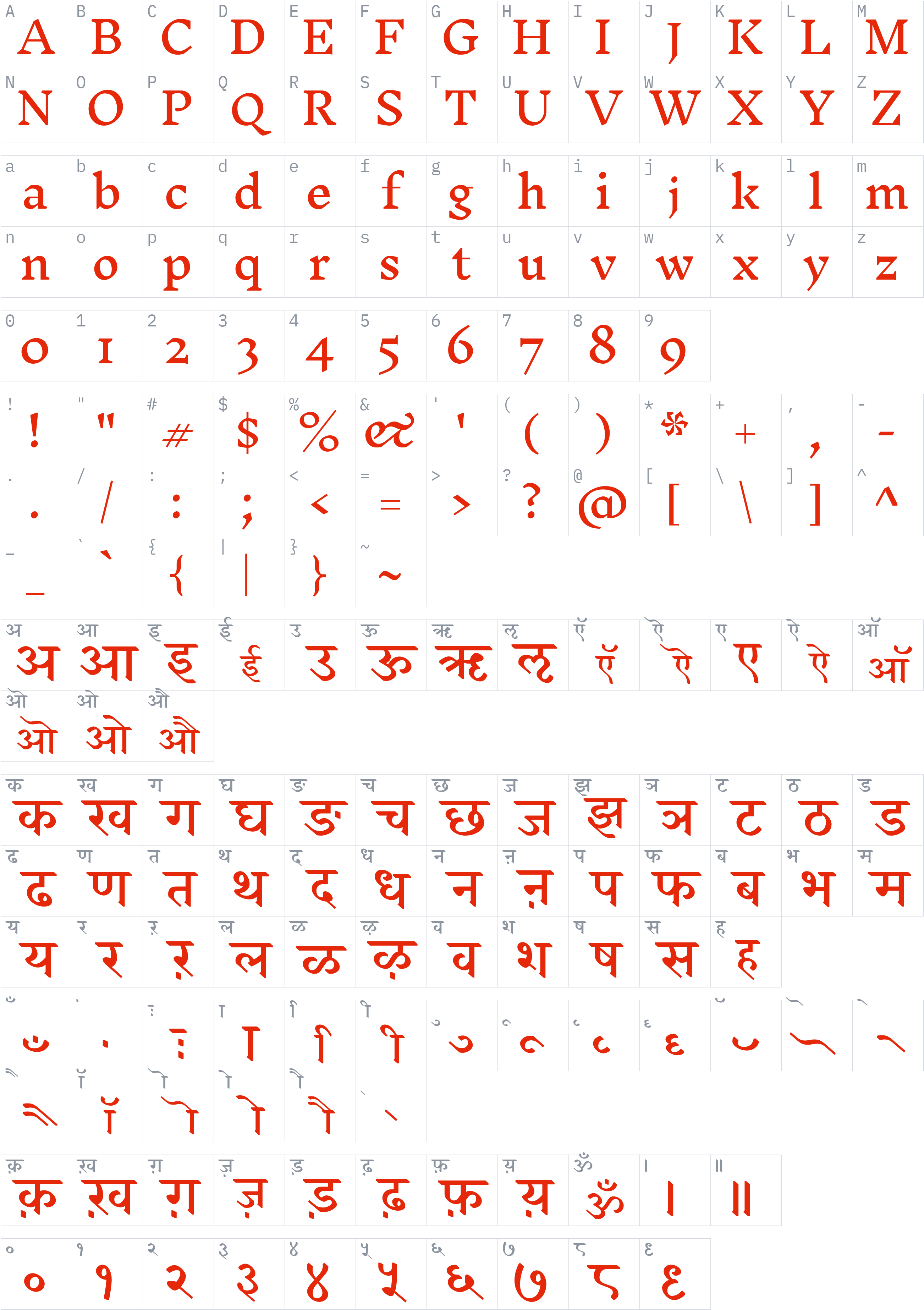
Character set
Styles and files
-
Light
Weight 300 TTF391.9 KBThe quick brown fox jumps over the lazy dog
-
Regular
Weight 400 TTF384.5 KBThe quick brown fox jumps over the lazy dog
-
Medium
Weight 500 TTF390.1 KBThe quick brown fox jumps over the lazy dog
-
SemiBold
Weight 600 TTF388.4 KBThe quick brown fox jumps over the lazy dog
-
Bold
Weight 700 TTF389 KBThe quick brown fox jumps over the lazy dog
-
ExtraBold
Weight 800 TTF392.6 KBThe quick brown fox jumps over the lazy dog
-
Black
Weight 900 TTF382.8 KBThe quick brown fox jumps over the lazy dog
About Inknut Antiqua
Inknut Antiqua is a serif typeface designed by Claus Eggers Sørensen, added to the Google Fonts library in 2015. It is distributed under the SIL Open Font License 1.1, and the license text is stored with the font and included in the download.
This family includes 7 styles (Light, Regular, Medium, SemiBold, Bold, ExtraBold, Black).
Detected from the font files, it supports Devanagari, Latin text, with 1,456 glyphs in its largest file. Type your own text in the preview above to see how it looks before you download.
License
Commercial use allowed under SIL Open Font License 1.1
SIL Open Font License 1.1 · Official license text
Free to use, including commercially, study, modify and redistribute. The fonts may not be sold on their own and reserved font names must not be reused for modified versions.
Read the original license file (OFL.txt)
Copyright notice
Copyright 2014 The Inknut Antiqua Project Authors (https://github.com/clauseggers/Inknut-Antiqua)
This is a summary, not legal advice. Always read the full license before using a font commercially. See the font licensing guide.
How to install Inknut Antiqua
- Download the font family (ZIP) and extract it.
- Windows: right-click the
.ttfor.otffile and choose Install. macOS: double-click the file and choose Install Font. - Restart your design or office program, then pick Inknut Antiqua from the font list.
Need more detail? Read the full installation guide.
Fonts that pair well with Inknut Antiqua
Good design mixes two or three fonts. These are picked from a different style (a clean sans next to a script, a serif next to a sans) so they stay easy to tell apart and cover the same language.




Similar fonts

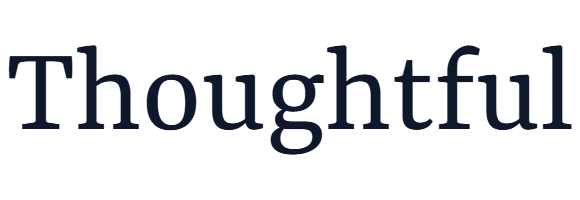
Yrsa
by Rosetta, Anna Giedryś, David Březina · Free Serif Fonts
4 styles WOFF2TTF Commercial use OK 5 downloads


Zilla Slab Highlight
by Typotheque · Free Serif Fonts
4 styles WOFF2TTF Commercial use OK 2 downloads

Your Inknut Antiqua download has started
Check your Downloads folder. How to install it.