Ants Valley Font
Designed by Typhoon Type™ - Suthi Srisopha · Foundry: Typhoon Type™
Free Tattoo FontsFree Handwriting Fonts #calligraphy#cursive#decorative#handwriting#invitations#latin#script#swashes
Preview
The quick brown fox
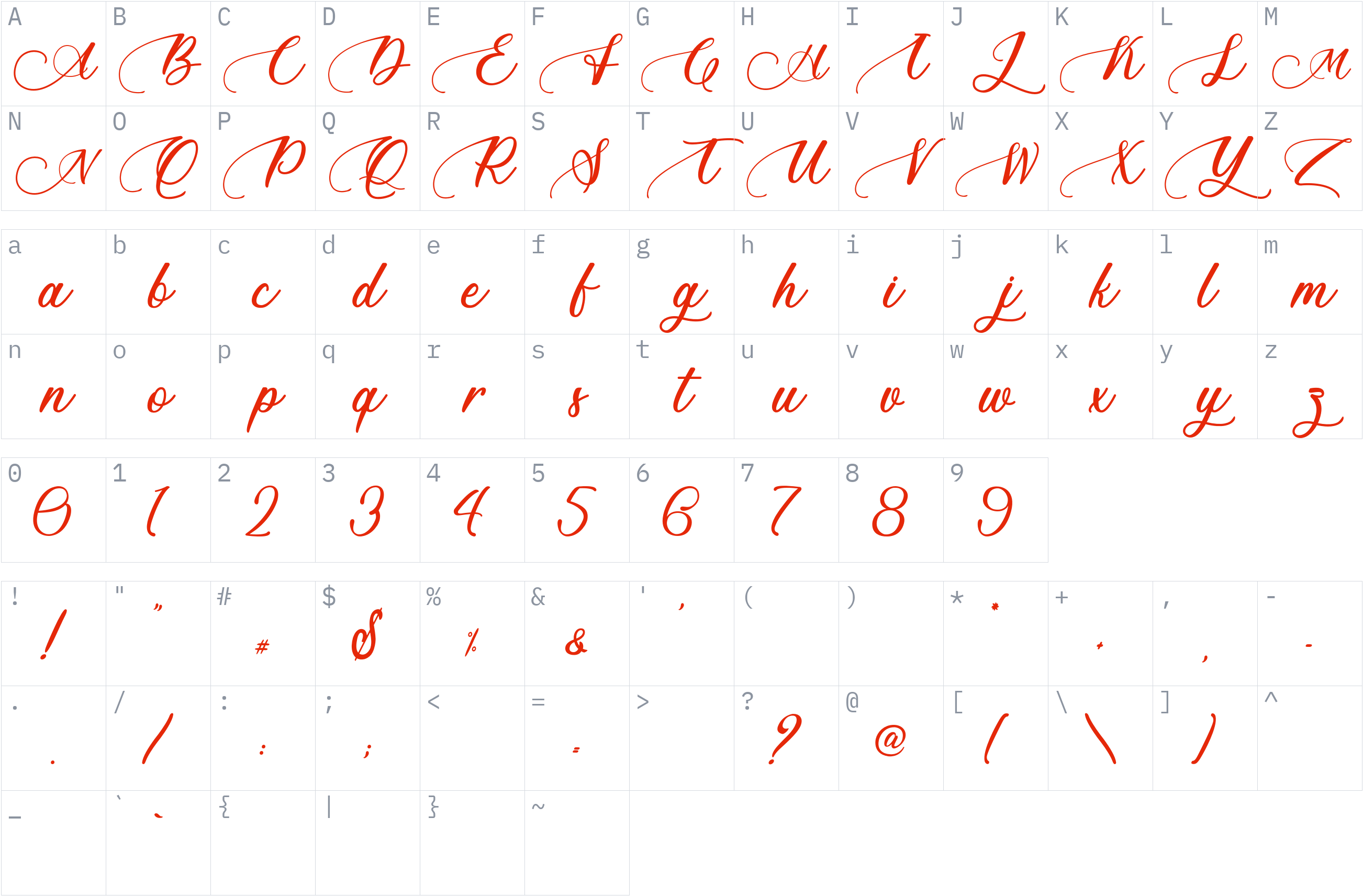
Character set
Styles and files
-
Regular
Weight 400 OTF51.2 KBThe quick brown fox
-
Regular
Weight 400 WOFF234.4 KBThe quick brown fox
About Ants Valley
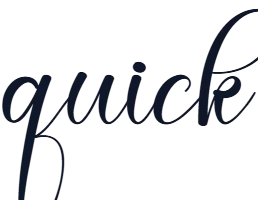
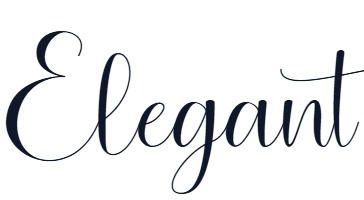
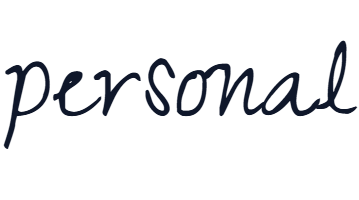
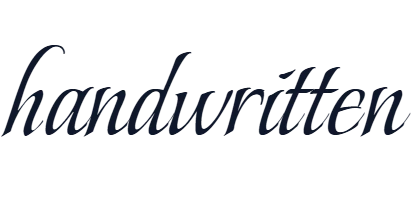
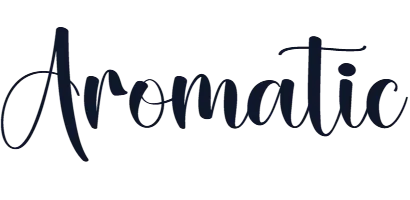
Ants Valley is a decorative script typeface with flowing, connected letterforms and ornamental swashes. Its calligraphic appearance gives short text a personal, handwritten character, making it suitable for designs that call for expressive lettering.
Use this typeface for invitation layouts, greeting cards, logo concepts, packaging, and decorative headings. Its script construction is best suited to short phrases and prominent text rather than long passages that require easy reading.
The uploaded font files are provided in OTF and WOFF2 formats, with a Regular weight at 400 and 183 glyphs recorded in the supplied file information. The designer's website lists additional format options and separate license choices for desktop, web, publishing, applications, and other uses. Check the applicable license before using or redistributing the files.
License
Personal use only: a commercial license is needed for business work
Free Personal Use
Free for personal, non-commercial projects.
Check the license before using this font.
Copyright notice
Copyright (c) 2019 by Typhoon Type - Suthi Srisopha. All rights reserved.
This is a summary, not legal advice. Always read the full license before using a font commercially. See the font licensing guide.
Use Ants Valley on your website
Check the license below before embedding this font on a website. The code is shown for reference.
1. @font-face (self-hosted)
@font-face {
  font-family: 'Ants Valley';
  src: url('fonts/AntsValleyPersonalUse-z8drl.woff2') format('woff2');
  font-weight: 400;
  font-style: normal;
  font-display: swap;
}
2. Apply it
body {
  font-family: 'Ants Valley', sans-serif;
}
How to install Ants Valley
- Download the font family (ZIP) and extract it.
- Windows: right-click the
.ttfor.otffile and choose Install. macOS: double-click the file and choose Install Font. - Restart your design or office program, then pick Ants Valley from the font list.
Need more detail? Read the full installation guide.
Fonts that pair well with Ants Valley
Good design mixes two or three fonts. These are picked from a different style (a clean sans next to a script, a serif next to a sans) so they stay easy to tell apart and cover the same language.


Similar fonts

Your Ants Valley download has started
Check your Downloads folder. How to install it.